Delete or void hundreds of transactions in one go
For QuickBooks Online users stuck with duplicate bills, expenses and journal entries.
Try it with sample dataNo sign-up. Runs in your browser.
How it works
Load your list
Export Transaction List by Date as CSV.
Filter and check
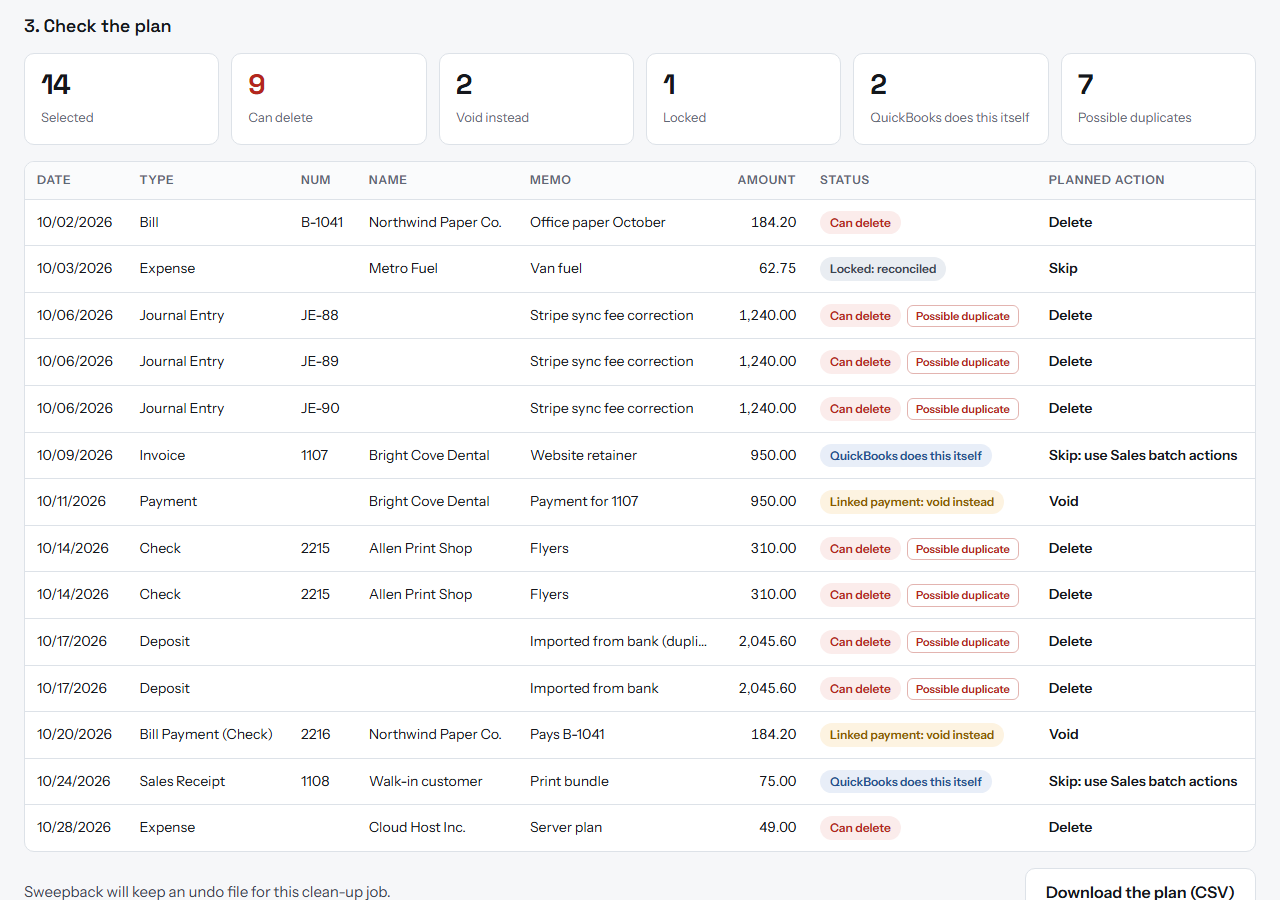
Locked and linked rows are flagged.
Run the job
Delete or void, with an undo file.
One clean-up pass, no subscription
Clean-up Pass
7 days, up to 1,000 transactions
Large clean-up
7 days, up to 10,000 transactions
Unlimited
7 days, no transaction limit
Questions
Which transactions can Sweepback delete or void?
Bills, expenses, checks, journal entries, deposits, transfers and credit card charges, plus customer and bill payments, which it voids. QuickBooks Online already batch-deletes invoices and sales receipts under Sales, so Sweepback points you there for those.
What about reconciled transactions or a closed period?
Sweepback leaves them alone. Rows marked reconciled, or dated on or before the closing date you enter, are shown as locked and are never changed.
Can I undo a clean-up job?
Sweepback will keep an undo file for this clean-up job: the full details of each transaction it removes, so they can be recreated if you change your mind.
Is my data uploaded when I try it?
No. The try page reads your CSV in your browser and nothing is sent to us. Connecting to QuickBooks is in review and opens soon.
See your clean-up plan first
Opening soon: connecting to QuickBooks is in review.
Try it with sample data